From Syllabus to Full Course: AI Course Authoring in the Browser
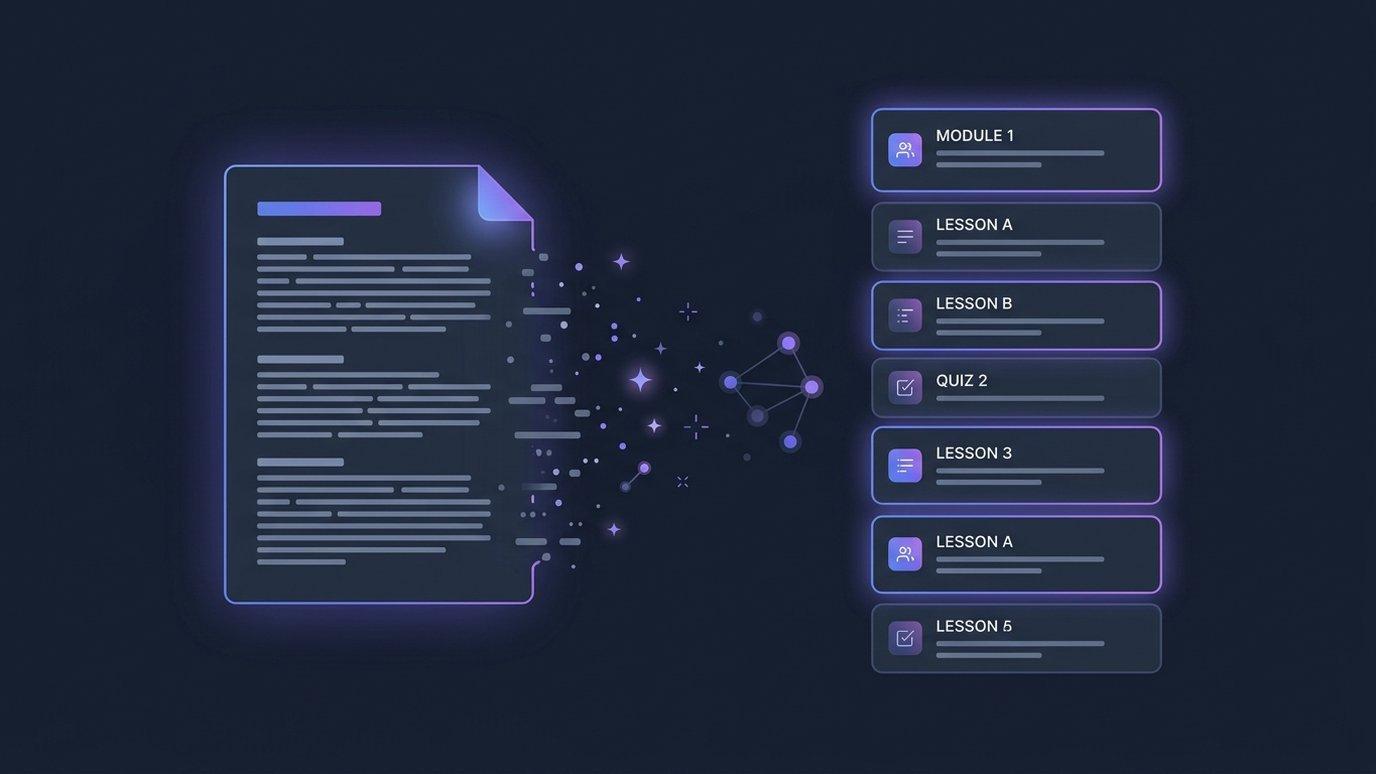
Most "AI course generators" hand you a bulleted outline and leave the actual work — writing the lessons, building the assessments, sequencing the experience — to you. EduGears AI Studio is built to take a course from a blank syllabus all the way to something you can teach, entirely in the browser.
Start from what you already have
There are three ways in, and you can mix them:
- Syllabus or documents → course. Paste a syllabus or upload a syllabus document, and AI decomposes it into modules and lessons you can edit.
- Documents → modules. Upload source files — PDFs, Word, PowerPoint, Markdown — and AI drafts new module outlines appended to the course.
- Author by hand. Start from a title and assemble modules and lessons yourself. AI is optional at every step, never mandatory.
Already have a course somewhere else? Import a Common Cartridge, Moodle .mbz, or SCORM package and it becomes an editable EduGears AI course you can build on.
Every asset type, generated
Inside a lesson, AI can generate the full set of teaching materials — and everything it produces is editable down to the sentence:
- Lesson plans, slides, study guides, and worksheets
- Reader pages and question sets
- Reusable question banks and assembled quizzes
- Practice sets
- Grading rubrics — drafted with AI from your assignment brief, then edited and saved by you
Need to tighten a draft? AI Enhance rewrites any piece of content from a single instruction, with a preview before you accept it. You can also attach media and generate images with AI so a course looks finished, not like a first pass.
Design how the course teaches
A pile of content isn't a course. Studio gives you the learning-design controls to shape the actual experience:
- Sequential Course Player — learners move through a guided player in order, or you allow free navigation.
- Quiz gates — require a passing score on a quiz before later modules unlock; you set the threshold.
- Diagnostic pre-checks — a "see what you already know" quiz that never blocks progress and never posts a grade.
- Capstone projects — AI drafts a grade against your rubric and holds it for instructor approval before anything reaches the gradebook.
- Reflections — prompts anchored to a module or the course end, with optional supportive AI acknowledgements. Never graded.
An AI Assistant for you, an AI Tutor for students
While you build, a course-scoped AI Assistant answers questions and helps you author, grounded in the materials you've attached (your "Curriculum Intelligence").
When your course is delivered, students get an AI Tutor grounded in those same materials — guided Q&A and hints that never give away the answer. The tutor travels with the course to every institution that redeems it.
Then publish or export
When the course is ready, you have two ways out. Publish to a short access code that any LTI 1.3 LMS can redeem and deliver live — or export the whole course as a SCORM, Moodle .mbz, or Common Cartridge package. Same course, your choice of delivery.
See the full authoring toolset — design, import, export, and delivery.
Explore features →Do I need to install anything?
No. Studio runs in the browser. Sign up with an email and start authoring — no LMS of your own is required to build a course.
Is the AI output editable?
Yes. Everything AI generates — modules, lessons, slides, quizzes, rubrics — is fully editable, and a rubric stays an unsaved draft until you accept it. AI drafts; you decide.
Can students get help inside the course?
Yes. Every published course carries an AI Tutor grounded in your materials, so learners get guided Q&A and hints as they work through the course.
Crea tu primer curso gratis
Diseña un curso con IA en el navegador, luego publícalo en cualquier LMS LTI 1.3. Tu primer curso es gratis — solo necesitas un correo electrónico para comenzar.
Comienza gratis →