How to Publish a Course to Any LMS with a Single Access Code
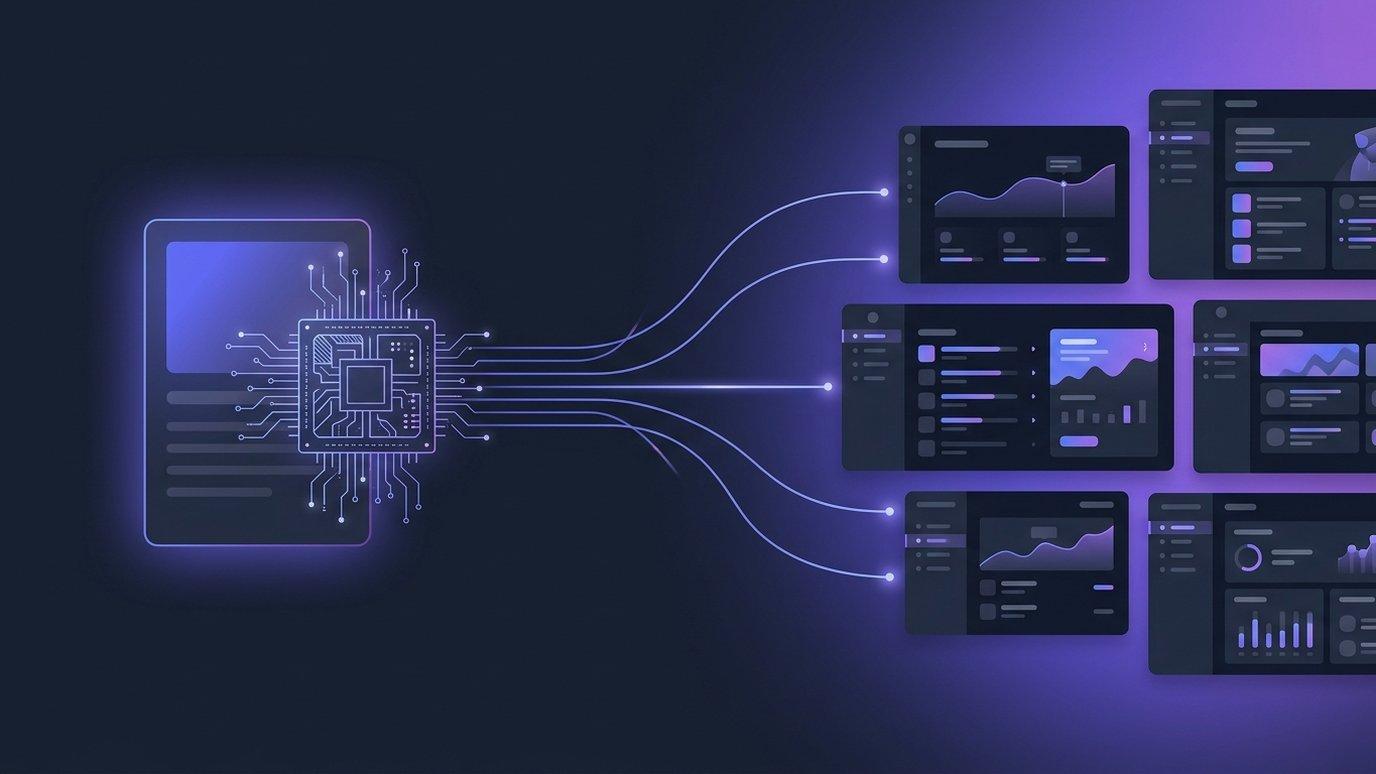
If you build courses for more than one school, program, or client, you know the routine: finish the course, export a SCORM package, email the zip, and wait for someone on the other end to import it. Then you find a typo — and get to do it all again.
EduGears AI Studio replaces that whole loop with a single access code. You publish a course once, share the code, and any instructor on any LTI 1.3 LMS redeems it to deliver the live course into their own course shell. This post walks through exactly how it works.
The old way: export and ship
The traditional way to move a course between systems is to export it as a package — SCORM or Common Cartridge — and have the receiving LMS import the file. It works, but it has real costs:
- It's a copy, not a link. Once the file is imported, it's frozen. Fix something and every institution needs a fresh export and re-import.
- It's manual on both ends. You export and send; they receive and import. Multiply that by every school and every update.
- Version drift is inevitable. Different institutions end up running different versions of the same course.
Exporting a file is still useful — sometimes you genuinely need a portable package — but it shouldn't be the only way to deliver a course.
The new way: pull-by-code delivery
When you publish a course in Studio, it mints a short access code that looks like XXXX-XXXX. That code is the entitlement: anyone you share it with can add the course to their LMS. Instead of pushing a file out, institutions pull the live course in.
The code always points at the current, published version of your course. Update the course, republish, and every institution that redeemed the code is on the new version instantly — no re-export, no re-sending files.
Three steps, start to finish
- Author or import your course. Build it with AI from a syllabus or documents, or import an existing Common Cartridge, Moodle, or SCORM package and refine it.
- Publish to get a code. Hit publish and Studio generates the access code. (You can also export a file here if you'd rather ship a package.)
- An instructor redeems it. From inside their own LMS, an instructor pastes the code into EduGears AI and the live course is delivered straight into their course — grades wired to their gradebook.
See the full lifecycle, from publish to retire, step by step.
How it works →What the institution needs
Not much. Their LMS admin connects EduGears AI once over LTI 1.3. Institutions already using EduGears AI need no new setup at all — your code just works in their content picker. New ones follow a quick one-time setup guide.
Delivering your course is free for the institution, with no per-student limit — the whole class learns in the EduGears AI viewer at no cost to them, and completion grades flow back to their own LMS gradebook over LTI Assignment & Grade Services (AGS).
Codes you stay in control of
- Codes never expire by default. Share one today and it keeps working. Set an optional calendar expiry only when a cohort or license is time-boxed.
- Regenerate instantly. Mint a new code and the old one stops working immediately — institutions that already added the course are unaffected.
- Unpublish = unlist. Unpublishing stops new institutions from redeeming, but everyone who already added the course keeps access, so students are never cut off mid-course.
Which LMSes can redeem the code?
Any LMS that supports LTI 1.3, including Canvas and Moodle. The instructor redeems your code inside EduGears AI, which is connected to their LMS.
Can one code be used by many institutions?
Yes. A single code can be redeemed by many instructors across many institutions. You see which institutions are using each course in your analytics.
Do I have to publish — can I still export a file?
You can do either. Publishing to a code is the fastest way to deliver live, but you can export the whole course to Common Cartridge, SCORM, or Moodle .mbz any time.
Crie seu primeiro curso grátis
Desenhe um curso com IA no navegador e publique em qualquer LMS LTI 1.3. Seu primeiro curso é grátis — basta um e-mail para começar.
Comece grátis →